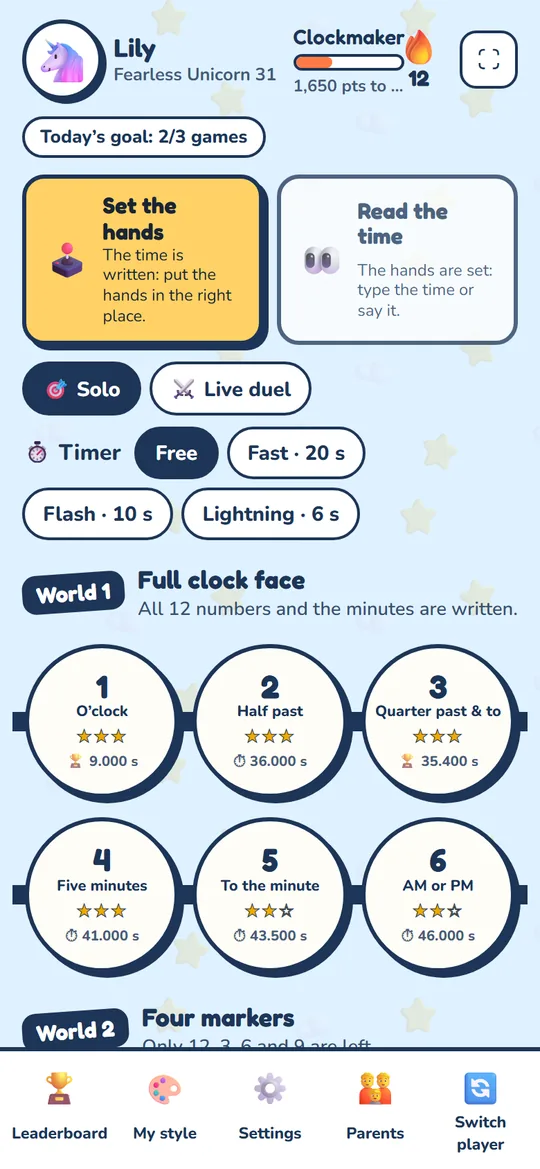
World 1 Full clock face
All 12 numbers and the minutes (05, 10, 15…) are written on the face: the child has every marker to place the long hand.
Online exercises and game · ages 6 to 12
Your child can read digital time, but gets stuck in front of a clock with hands? With Clock Champion, they set the hands themselves, then read the time on clock faces that get harder and harder. Points, stars, timers and records make them want to come back. You get their progress by email.
Nothing to install · phone, tablet, computer · no ads
Phones, tablets, digital watches, the oven, the car: today the time is shown in digits almost everywhere. Children get much less practice on a clock with hands, even though it is still the clock in the classroom, in the kitchen and in exams. Reading an analogue clock takes three things: telling the short hand from the long hand, counting the minutes in fives, and understanding that the short hand moves during the hour. It is quick to learn, as long as you practise a little every day.
The markers are taken away one by one, just like taking the stabilisers off a bike.
All 12 numbers and the minutes (05, 10, 15…) are written on the face: the child has every marker to place the long hand.
Only the 12, 3, 6 and 9 are left. You need to know where the other hours are.
No numbers at all, like many real watches. This is the “champion” level.
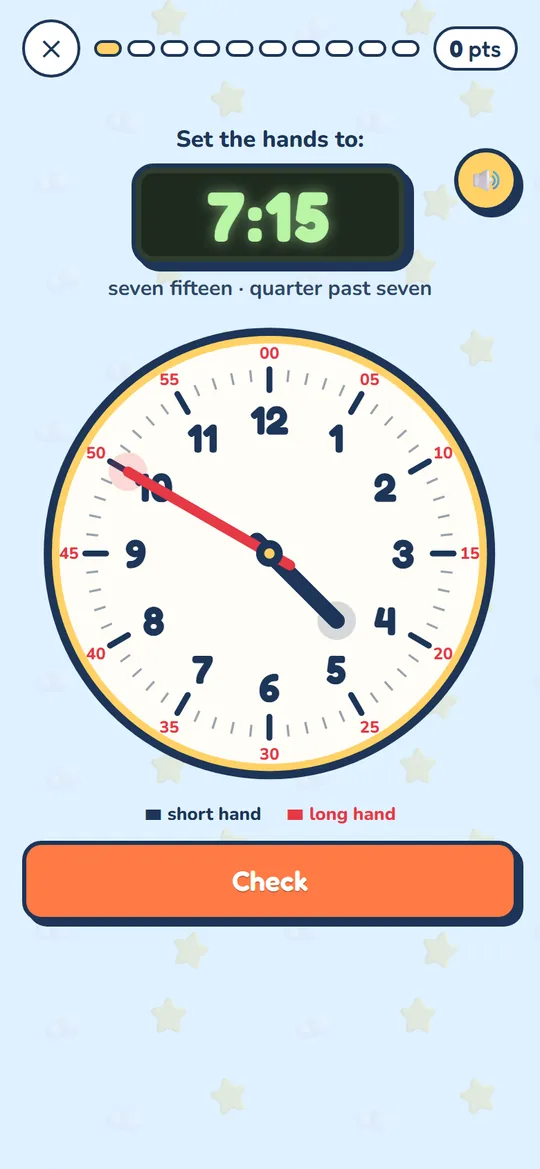
The time is shown in digits, like on the child’s digital watch. They drag the short and long hands with a finger or the mouse. Each time a hand passes a number, the phone vibrates gently and a little clockmaker’s “click” is heard: the child can feel the markers. After a mistake, the right position is shown as a dotted line with a simple explanation.
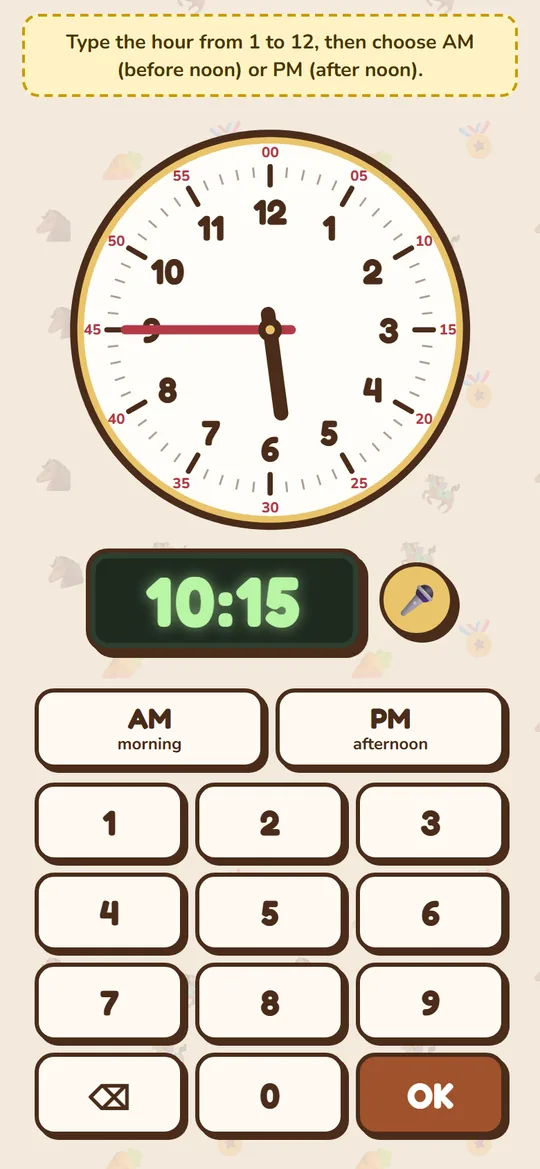
The hands are set; the child types the time on a big keypad… or says it out loud: “quarter to four”, “half past three”, “three forty-five”. The spoken time is recognised and checked straight away. The 12-hour clock with AM/PM is used by default, and the 24-hour clock is one tap away in the settings.
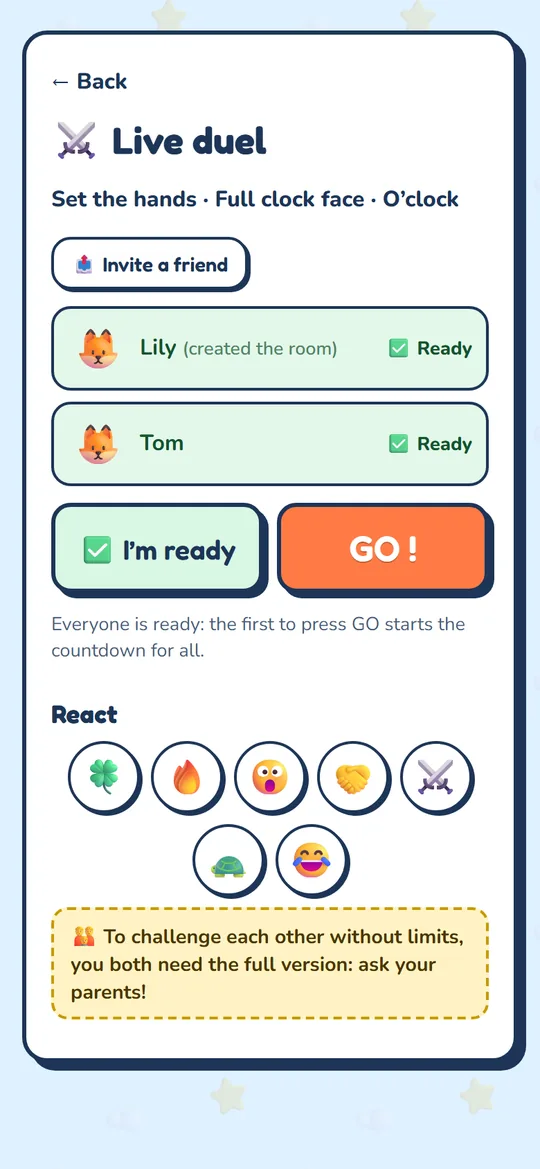
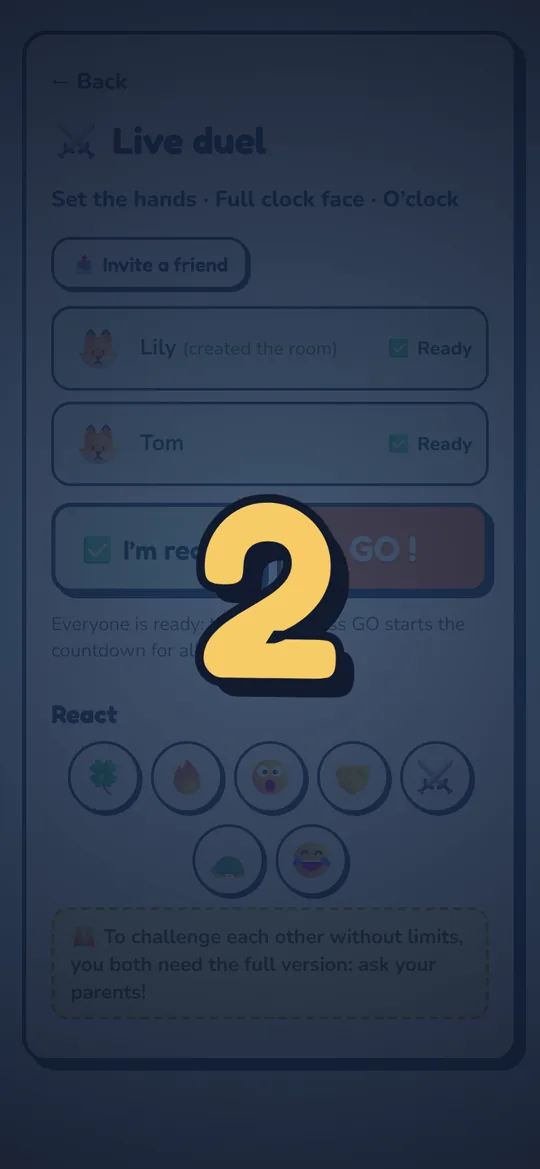
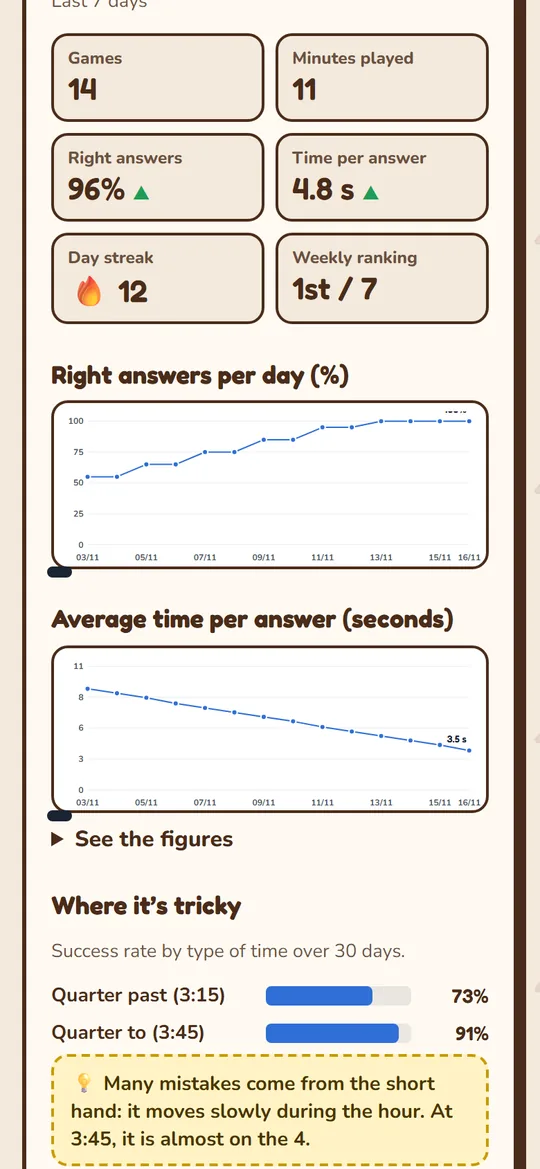
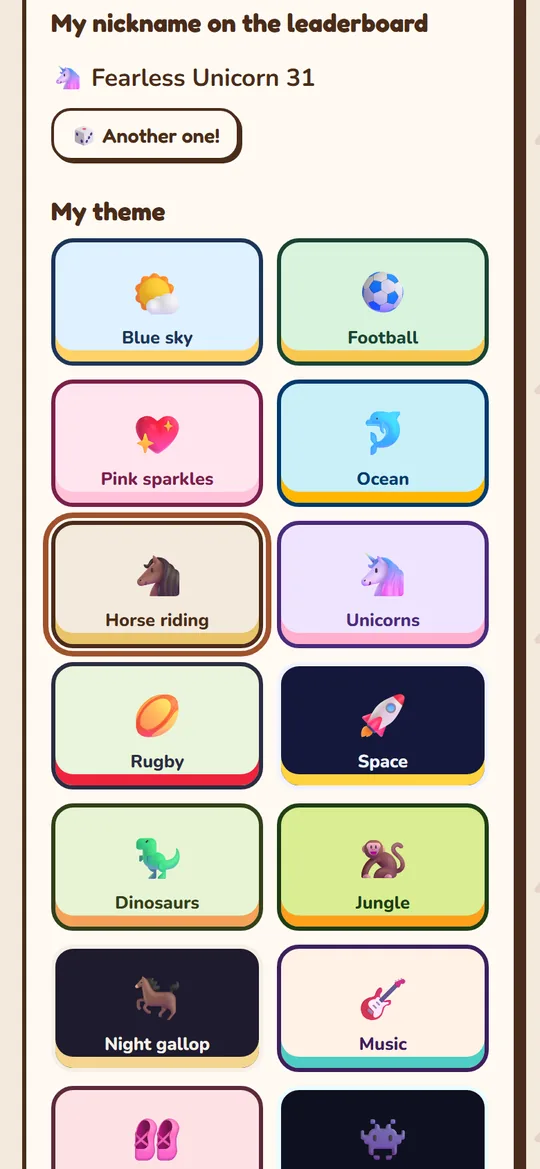
Real screenshots, on a phone. Everything works on tablets and computers too.
Enter one parent’s email address, or both. You choose when to get the report: after every game, every evening, every Sunday or every month.
⏰ Clock Champion — the week
Lily · 12 games · 38 min
86% right ▲ · 4.2 s per answer ▲
To work on: Quarter to (3:45) — 58%
€0
Recommended
€9.90 one payment, for life
No subscription. Secure payment by Stripe (card, Apple Pay, Google Pay). Price in euros, VAT included.
In England, the national curriculum covers it from Year 1 to Year 3 (o’clock and half past first, then quarter past and quarter to, five minutes, and finally to the minute); in the United States, from grade 1 to grade 3. Many children manage it around age 7 or 8, but everyone goes at their own pace: it is never too late, and a 10- or 12-year-old often makes very fast progress with short, regular practice.
In small steps: first o’clock, then half past, quarter past and quarter to, then five-minute steps and finally to the minute. Start with a clock face where all the numbers and minutes are written, then take the markers away until the face is bare. Five minutes a day is better than one long session a week.
The long hand shows the minutes: on the 3 it is “quarter past” (15 minutes); on the 6, “half past” (30 minutes). The short hand shows the hour, and it moves slowly through the whole hour: at 3:45 it is almost on the 4. This is the most common mistake, and Clock Champion spots it in the report sent to parents.
It is very common: children mostly see the time in digits, on a phone or a digital watch. The most effective approach is to start from what they already know (digital time) and let them set the hands themselves, then do the reverse. That is exactly how the two Clock Champion exercises work.
No. Clock Champion opens in the browser of a phone, tablet or computer (Android, iPhone, iPad, Windows, Mac). The child logs in once and the device stays logged in. You can also add it to the home screen like an app.
Yes: the free version gives access to the first levels, 5 games a day, the leaderboard and the weekly report for parents. The full version (€9.90, a single payment for the whole family, no subscription) opens all levels, timers, the 36 themes, up to 6 children and a report after every game, every day or every month.
With each parent’s email address, every parent receives a report: number of games, percentage of right answers, response time, progress chart and the types of times to practise again (“quarter to”, minutes after half past…). The password-protected parent area shows the full chart.
Only their first name (never shown publicly) and their results. The leaderboard uses an automatically generated nickname. No ads, no data resale, and the account can be deleted at any time from the parent area.
Want to know more? Read the full guide to teaching a child to tell the time.
My 12-year-old daughter could read the time on a screen without any problem, but not on a clock with hands. Worksheets bored her, and I couldn’t find an app that really helped her progress, step by step, while making her want to come back. So I built it: first for her, then for every child who gets stuck in front of a clock face. Every level, every theme and every report for parents was tested at home before arriving here.
Jonathan Marc, dad and founder of ENOC Digital, the company that designed the app